
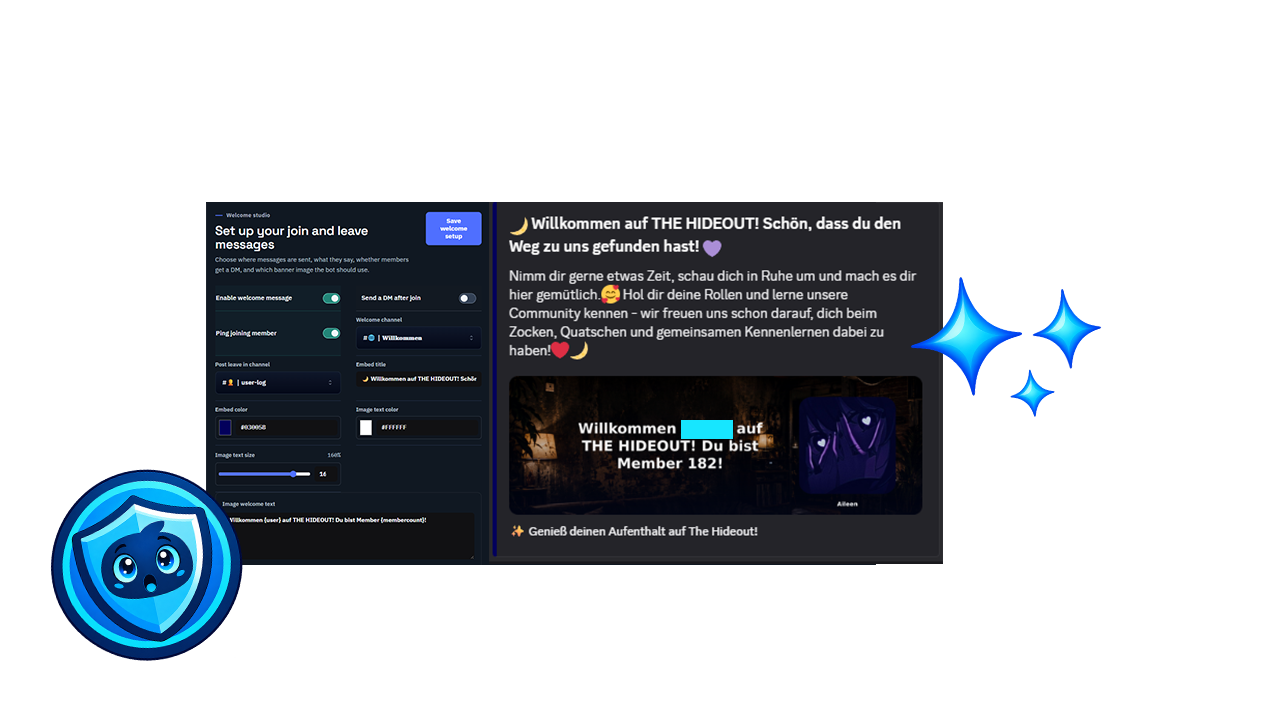
WELCOME & GOODBYE
Make the first message feel like home.
Build a welcome flow that matches your community, send goodbye messages when someone leaves and give new members the right roles from the start.
 Virexon Labs
DISCORD · VIREXON LABS
Traitez les tickets, configurez les rôles et consultez les actions de modération depuis un seul panel. Activez les fonctions utiles à votre serveur et gérez-les avec votre équipe.
THE GUARDIAN PANEL
Guardian brings the work that usually gets scattered across bots and channels into one calm, useful workspace. Your staff can see what needs attention, make changes safely and keep the community moving.
Open the panel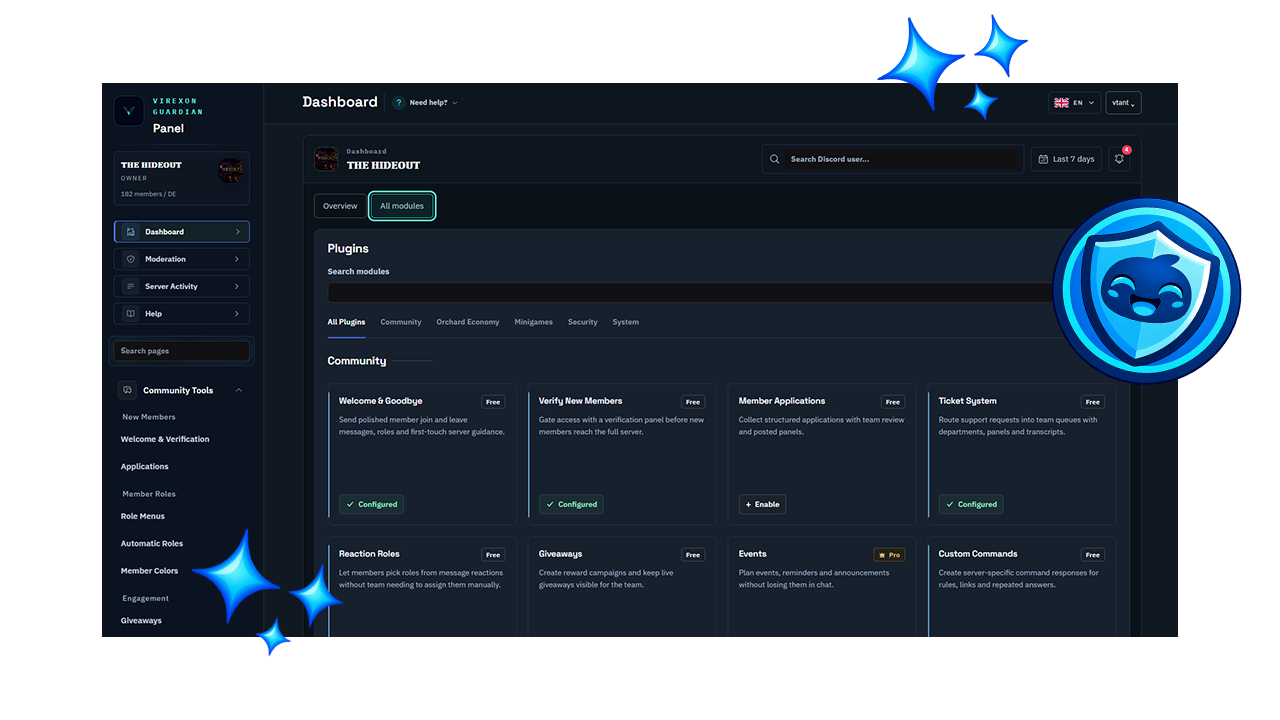
MADE FOR REAL COMMUNITIES
From the first welcome message to the final moderation log, Guardian keeps the important parts of your server close at hand.
WELCOME & GOODBYE
Build a welcome flow that matches your community, send goodbye messages when someone leaves and give new members the right roles from the start.
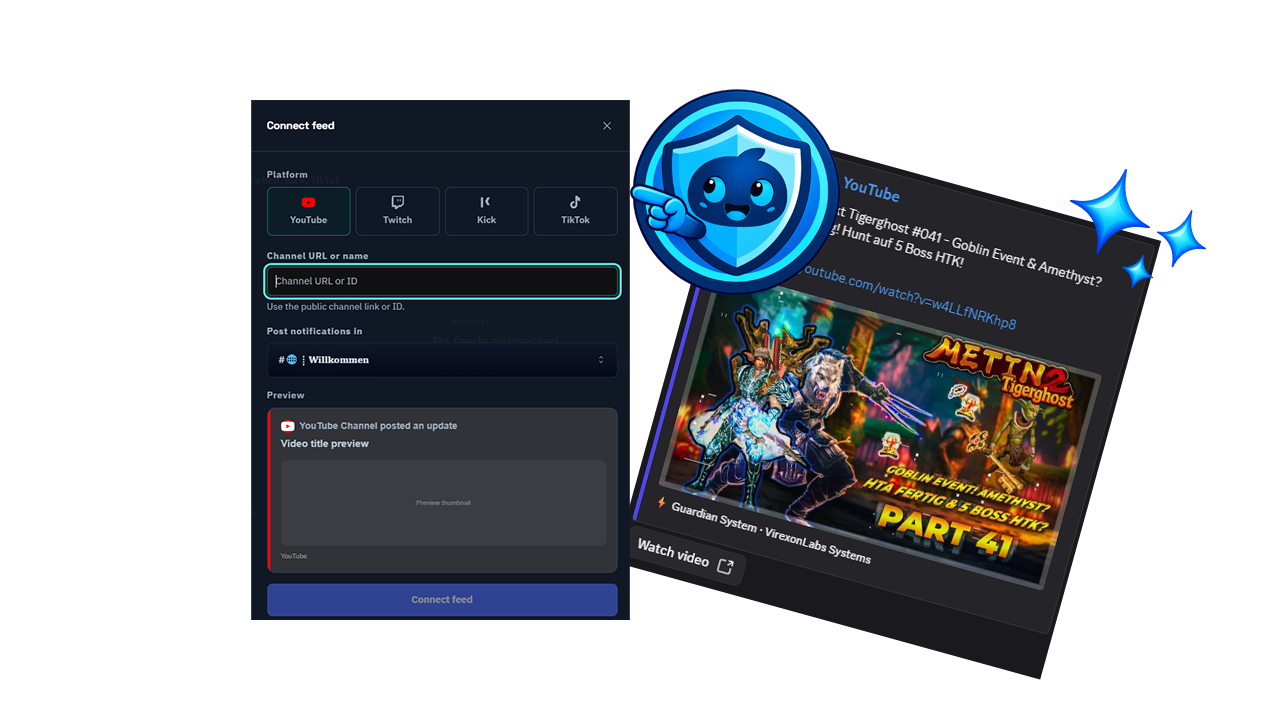
SOCIAL FEEDS
Connect YouTube, Twitch, Kick or TikTok and let Guardian share new content where your community will actually see it. Each feed can be previewed before it goes live.
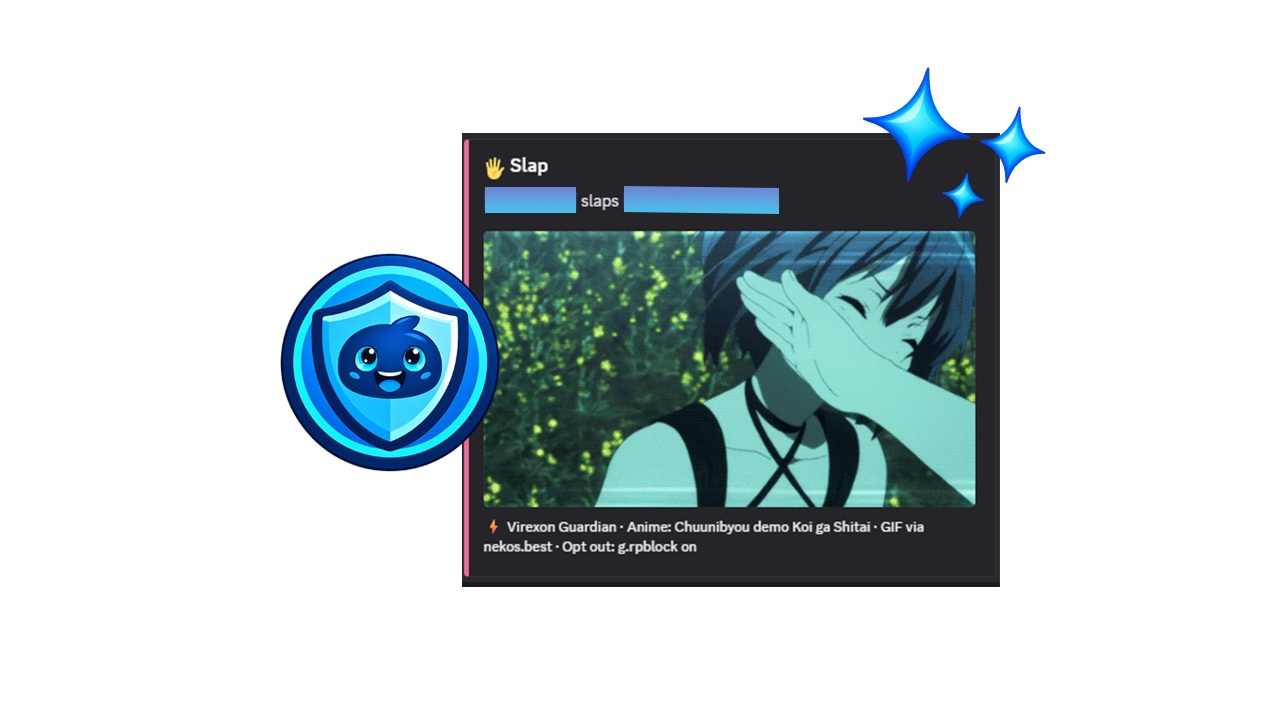
REACTIONS
Simple commands can carry a lot of personality. Guardian handles reactions like Slap with the right names, images and credit in a format that feels at home in Discord.
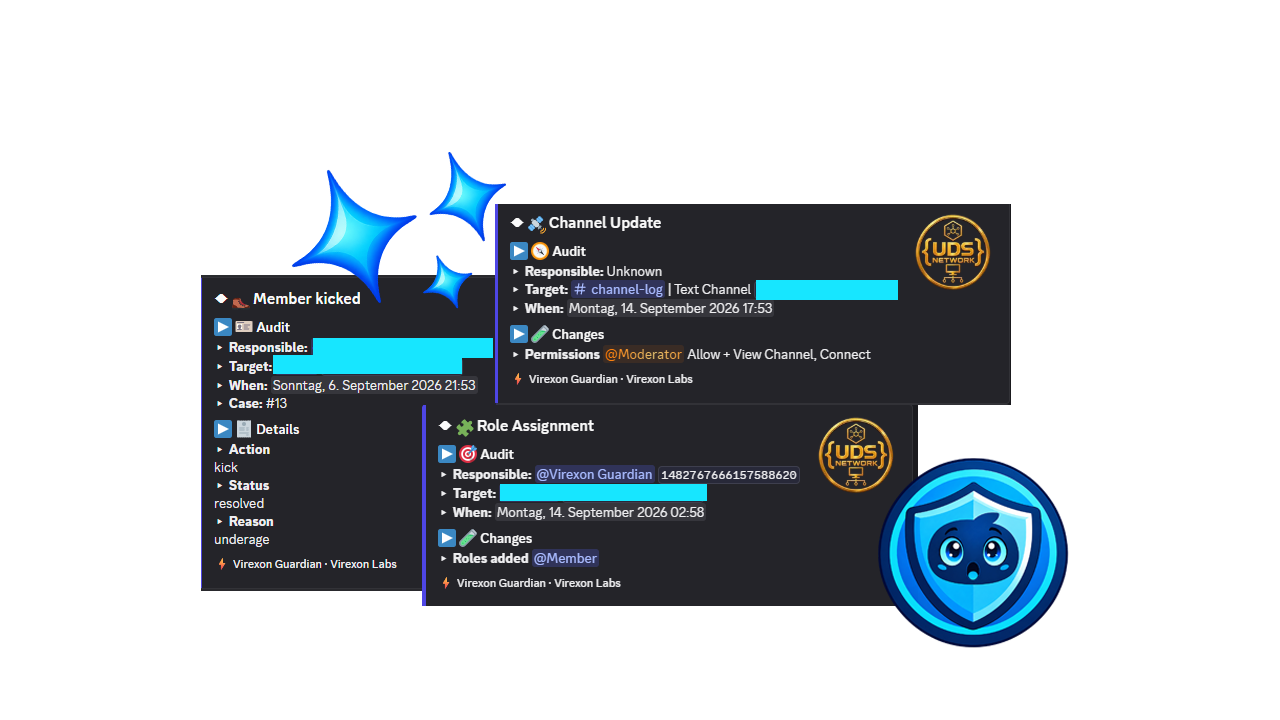
AUDIT LOGS
Important actions stay visible in structured logs. Your team can trace moderation decisions, role assignments and channel changes without piecing together screenshots.
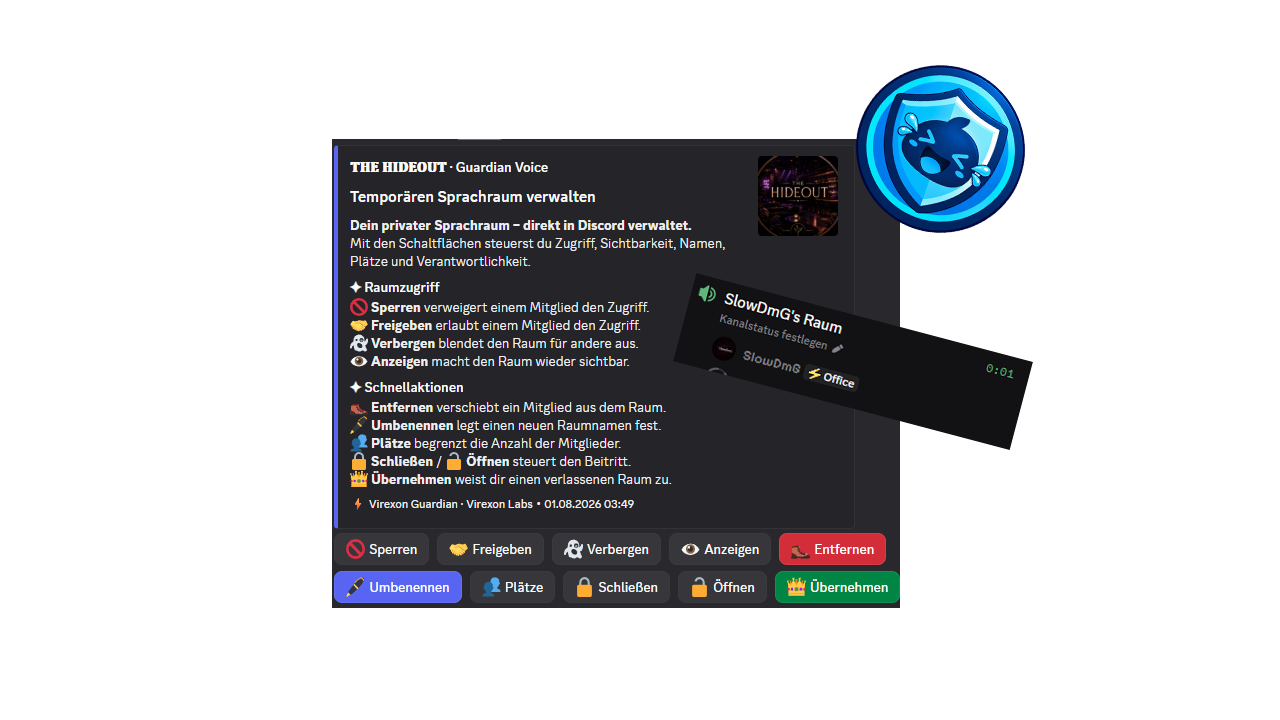
GUARDIAN VOICE
Members can create their own room while staff keep the controls they need. Rename, hide, lock, open or hand over a room without interrupting the conversation.
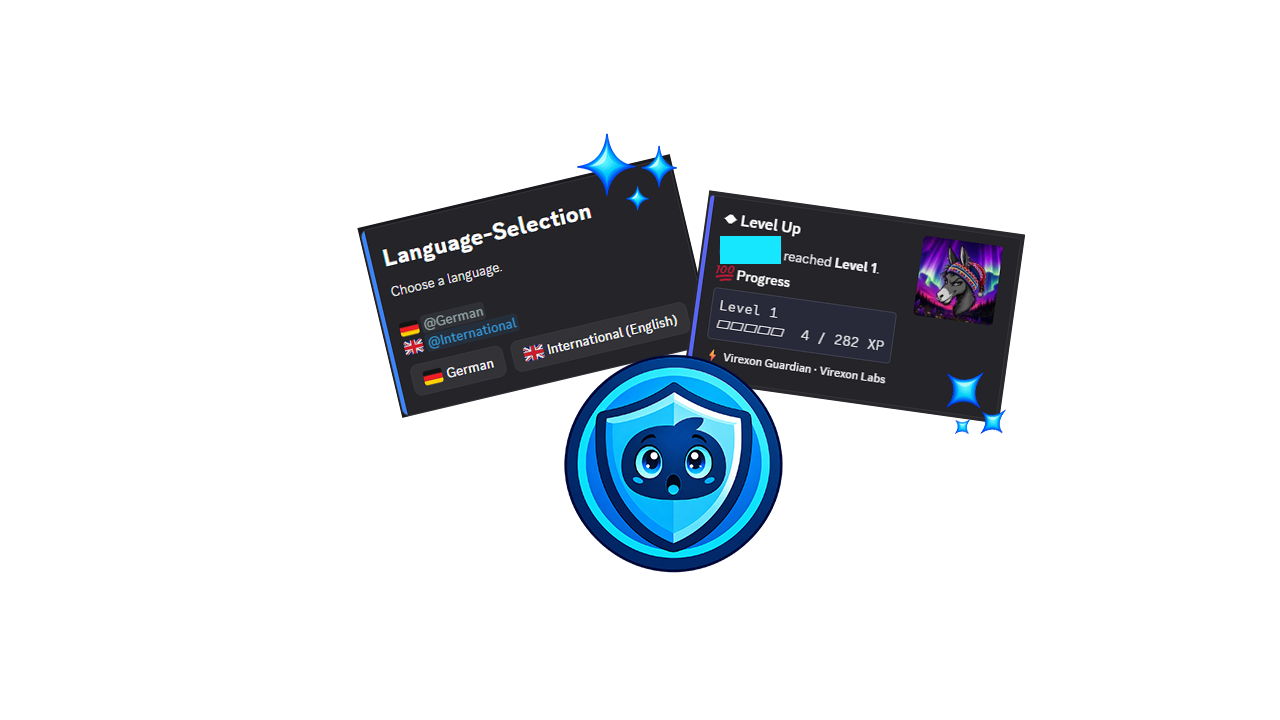
LEVELS & SELF ROLES
Use levels to reward participation and self roles to let people choose what fits them. Language selection and progress are clear for members and easy for staff to manage.
COMMUNITY FEEDBACK
These are the words currently visible on Guardian’s public Top.gg listing. The slider keeps the original names and wording intact. The link opens the listing if you want to read every review in context.
Read the reviews on Top.ggA GOOD SETUP STAYS OUT OF THE WAY
Guardian does not need a long ceremony. Invite it, choose the server and start with the one thing your team wants to tidy up first.
Invite GuardianChoose the server where Guardian should work and approve the permissions for your setup.
Pick your server in the dashboard so the settings and modules are all in one place.
Turn on the feature your community needs today. You can add the rest when the need arrives.
ANSWERS FOR SERVER OWNERS
A few clear answers make setup easier. If your question is not here, the support server is the quickest way to reach the team.
Read the original reviews on Top.ggVirexon Guardian is a Discord moderation bot with a web dashboard for server management, security, onboarding and community tools in one place.
Use the invite button on this page, choose your server in Discord and approve the permissions Guardian needs for the modules you want to use.
The exact permissions depend on your setup. Guardian needs access to the channels, roles and moderation actions that you choose to manage.
Yes. You can adjust Guardian’s role and channel permissions in Discord whenever your server structure changes.
Open the Guardian panel, choose your Discord server and configure the modules from the server dashboard.
Yes. Give trusted staff members the access they need and keep sensitive moderation and security controls limited to the right people.
Guardian records important moderation and server changes in structured messages so your team can see what happened and when.
Yes. Set the channel, message and visual details for new members, then add a separate goodbye message for members who leave.
Yes. Guardian can give new members the roles they need after joining and verification, based on the rules you set.
Yes. Create self role panels so members can select the interests, games or notification roles that fit them.
Connect a YouTube, Twitch, Kick or TikTok feed and choose the Discord channel where new posts should appear.
Yes. Guardian Voice lets members create a temporary room while staff keep controls for names, access, visibility and ownership.
Yes. Ticket departments can route requests to the right team and keep the conversation available as a transcript.
Yes. You can collect member applications and let your team review them in an organised workflow.
Yes. Many messages, command responses and community flows can be adjusted to match your server.
Yes. The logging tools can show role assignments, channel changes and other important actions made by staff or Guardian.
The Guardian panel and selected community tools support more than one language, so members can use the parts that matter to them.
The original community reviews are published on the Virexon Guardian listing at Top.gg.